
About Operelio
Messy spreadsheets in. Clean CRM out.
Your CRM expects the right fields, the right format, and consistent data. The files that land in your inbox never have any of that. Operelio sits in the middle and fixes it.
The origin
It started with a wasted afternoon
A sales ops manager gets a lead list from marketing. The columns don't match what HubSpot expects. Phone numbers are in five formats. First and last names share one cell. Three required fields are empty.
There are two options: spend 45 minutes fixing it in Excel, or upload it as-is, watch the CRM reject it, and spend 45 minutes fixing it anyway. Either way, the afternoon is gone.
We built Operelio because we've been those operations people. This happens every week, across every company that runs a CRM. The spreadsheet-to-CRM gap is a real, recurring problem, and we wanted a proper tool for it.
How it works
Upload, map, validate, push
You upload a file, pick your target CRM, and map your columns. Operelio validates every row and gives you a file that imports clean on the first try.
The toolkit covers cleaning, transforming, and formatting spreadsheet data. Clean headers, deduplicate, merge, split, filter, find and replace, add columns from another file, compare files, check whether each company's website is live, format for CRM. You can download the output or push it straight to HubSpot, Salesforce, or Pipedrive.
Standard files go from upload to download in under 60 seconds. Files are deleted automatically at the end of your plan's retention window, from 24 hours on Free to 90 days on Agency.
17
tools
167
mapping templates
8
CRM formats
3
direct-push CRMs
What makes it different
Errors you can act on, not error codes
Most tools tell you something went wrong. Operelio tells you row 47, column D: phone number missing country code. Every validation error includes the row number, the column, and a plain-language description of what needs fixing.
The columns in your spreadsheet will say "First Name" while HubSpot expects "firstname". Marketing will call it "Company" and Salesforce will expect "Account Name". Operelio auto-maps columns to your CRM's fields. You review the mapping, adjust anything that's off, and move on.
The person with the spreadsheet can run the whole process themselves, in a browser, without writing formulas or filing a ticket with ops.
What we stand for
Three things we hold ourselves to
Clarity
If you click a button and have to ask "what just happened?", the interface failed. Labels, statuses, and error messages should answer the question before it forms. We show you exactly which row has the problem, which column, and what's wrong with it.
Reliability
A formatted file with wrong data does more damage than a rejected import. You find out six weeks later when someone notices the pipeline numbers are off. We validate every row before download so the data is right when it enters the system, not after someone spots the discrepancy.
Speed
If the tool takes longer than the manual workaround, people go back to Excel. Standard files process in under 60 seconds. We hold ourselves to that bar.
Who uses it
The people who actually touch the data
Marketing
Lists from a dozen sources merged into one, verified in a single pass, and deduped before anything sends. Fewer bounces, so the sender score holds.
Sales
New prospect lists checked against a CRM export so reps only work names nobody has touched, then split fairly across the team in one step.
RevOps and GTM
The same saved checks and workflows on every file, run by anyone. One standard the whole team hits, with no reconciling five versions of clean.
CRM managers
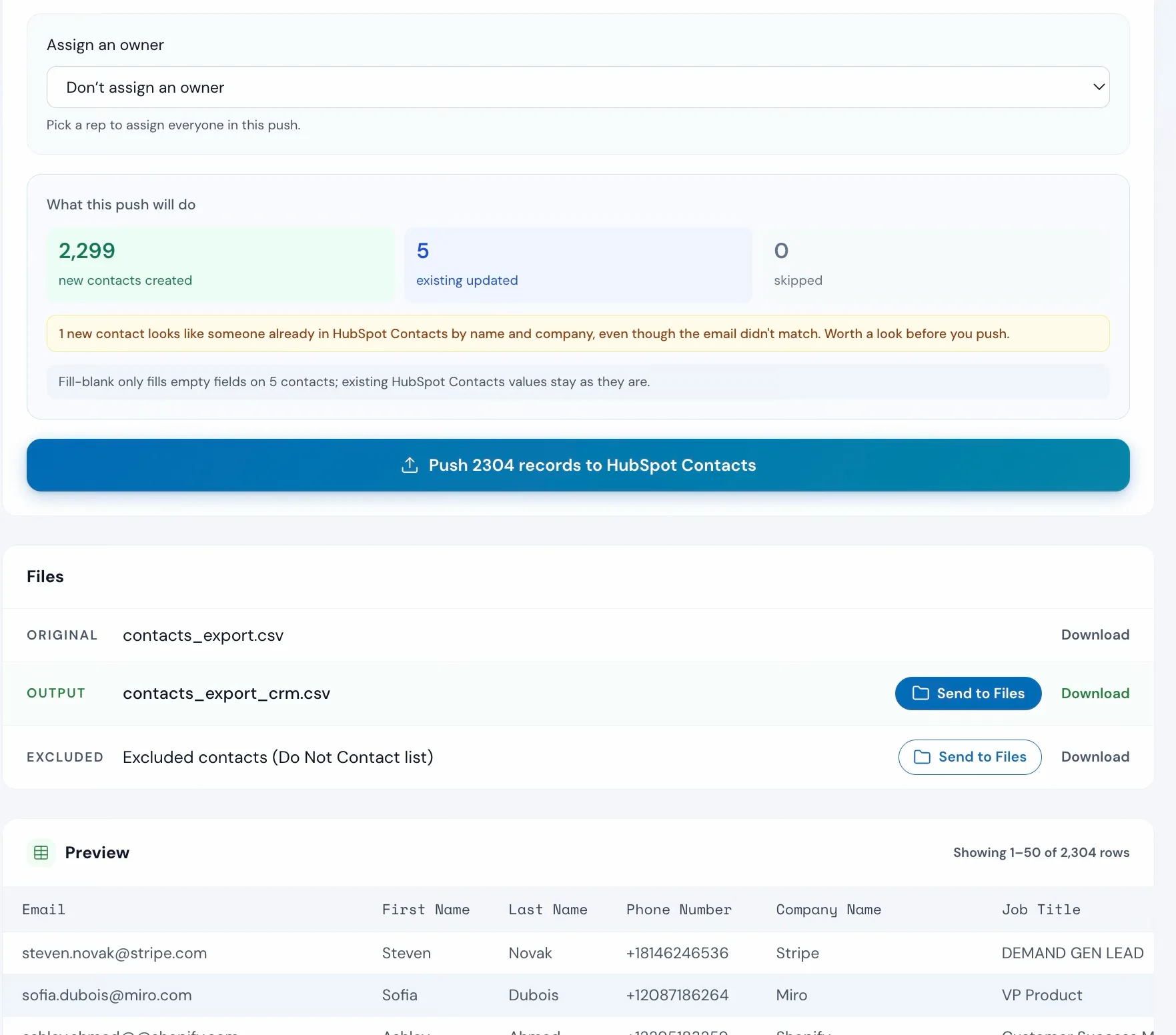
Every import previewed before it lands: what will create, update, or skip. Blanks filled without overwriting the good data already there.
SDRs and BDRs
A prospect list cleaned, deduped, and verified the day it arrives, without waiting for ops. A clean file imports anywhere.
Developers
One API call instead of building an import pipeline. Any file in, clean mapped rows out, and new formats handled without new code.
Agencies
A separate workspace per client, credits shared across the account, and the same cleanup run the same way for every client, every month.
Excel users
The hard spreadsheet jobs, without the formulas: dedupe, merge, split, compare, reshape. Every tool returns a regular file. No CRM required.
The team
Small team. Focused product.
Operelio is built by a small team across the UK and US. We've worked in sales ops, revenue operations, and agency delivery, so we've lived this problem firsthand.
The product has grown into a full toolkit: the tools themselves, an AI operator that plans and runs them for you, email verification, saved workflows, client workspaces, and an API. But every piece serves the same job: get messy spreadsheet data where it needs to go, clean, on the first try. If a feature doesn't serve that job, we don't build it.
Today that means direct push to HubSpot, Salesforce, and Pipedrive, ready-made formats for the other major CRMs, and mapping templates for the platforms people actually export from, with more of each on the way. Wherever operations teams waste time getting data from point A to point B, we want Operelio to handle it.
Try it with your own file
Upload a spreadsheet. See what Operelio does with it. No credit card, no setup.